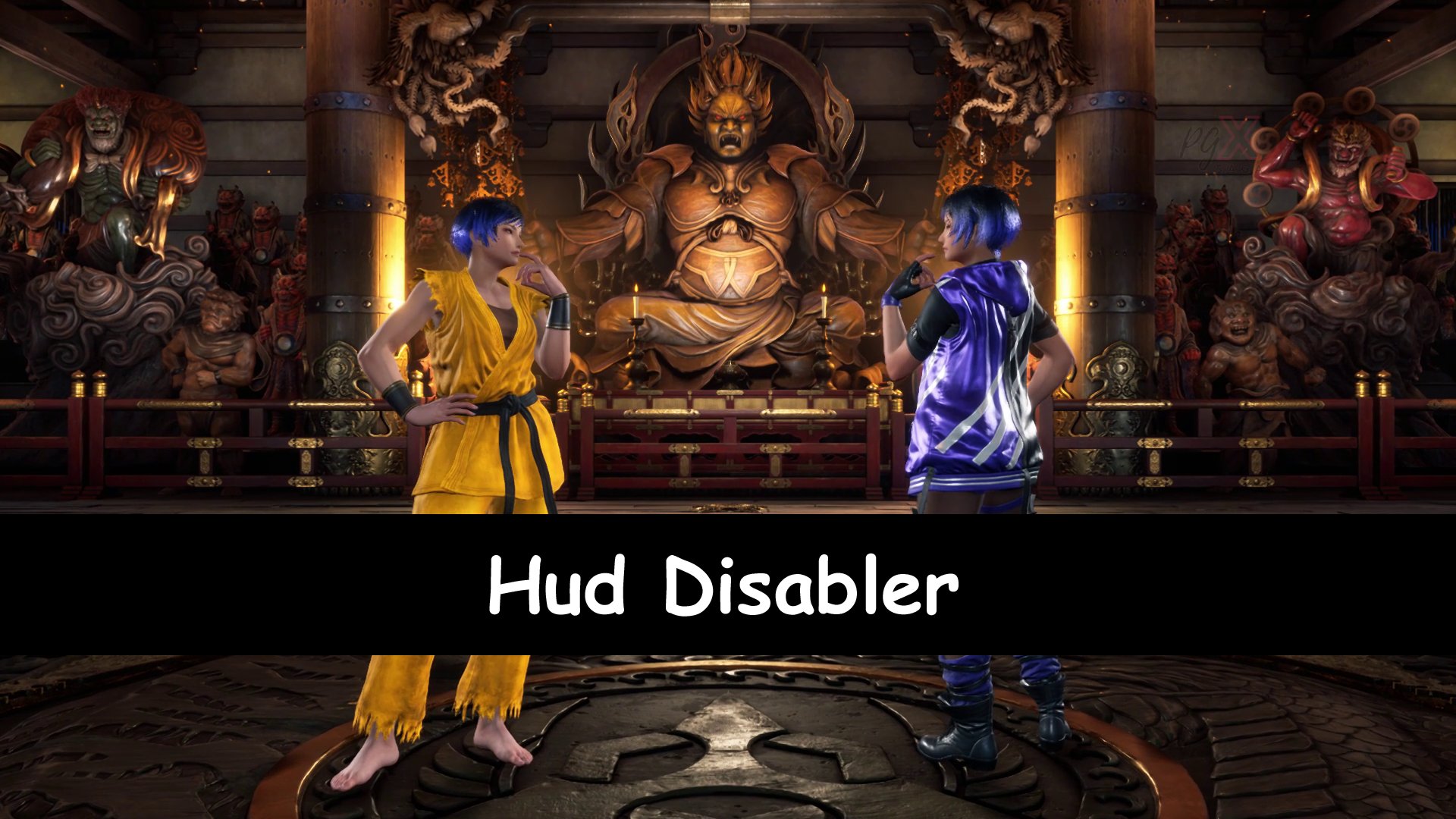
🟢 Mod 1: HUD Remover (HUD Disabler for Tekken 8)
This mod removes all HUD elements from the screen — such as health bar, win/loss counter, fight info, etc. With this clean UI mode, you can enjoy pure gameplay without any distractions.
Installation:
This mod completely removes the HUD in Tekken 8 for a clean, cinematic gameplay experience.
All major HUD elements are disabled, including:
Health bars
Character icons
Final Round / Fight / KO / Win texts
Other on-screen HUD visuals
Perfect for making videos, screenshots, or clean gameplay footage. Updated and fully compatible with Tekken 8 version v2.08.
Installation:
Place the mod files here:
TEKKEN 8\Polaris\Content\Paks\Mods\
Extract the downloaded (HUB-Remove.zip) file into this folder.
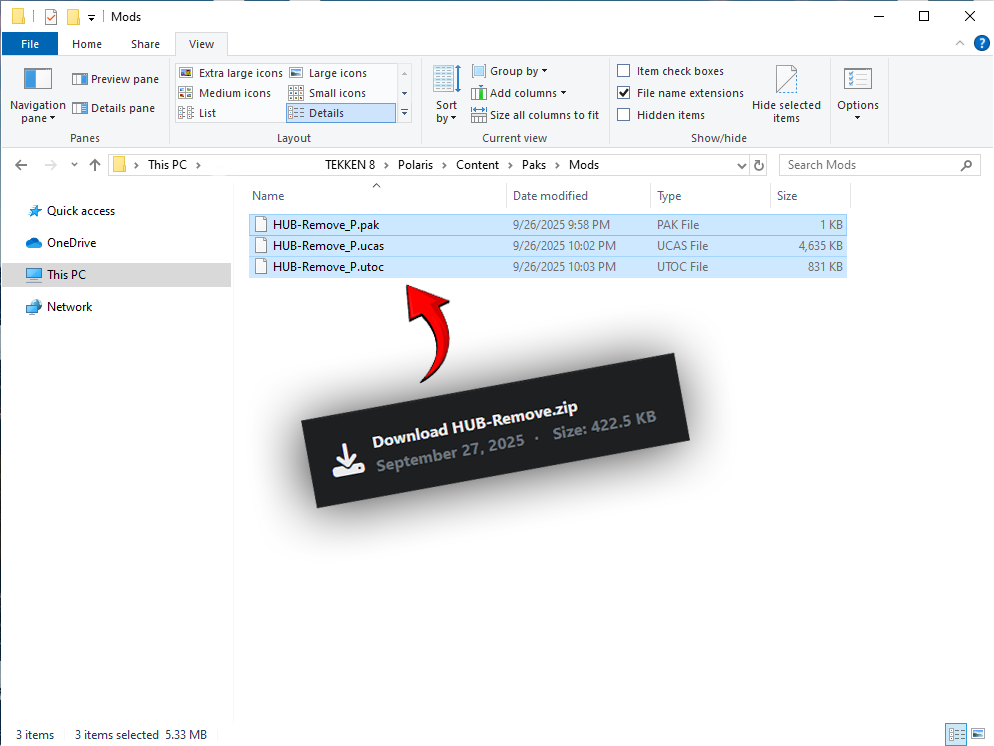 Launch the game and enjoy a HUD-free experience.
- -
🟢 Mod 2: Removes Guide Text Info (Toggle with F9)
This mod removes the small guide text that appears in the corner during matches (like Special Style key prompts). With a single key press, you can hide or show this guide info anytime.
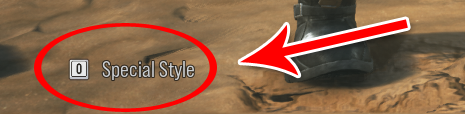

How it works:
- Press F9 → Guide text will be hidden.
- Press F9 again → Guide text will reappear.
Installation:
1. Extract the provided (Removes guide text info.zip) file into this location:
TEKKEN 8\Polaris\Binaries\Win64
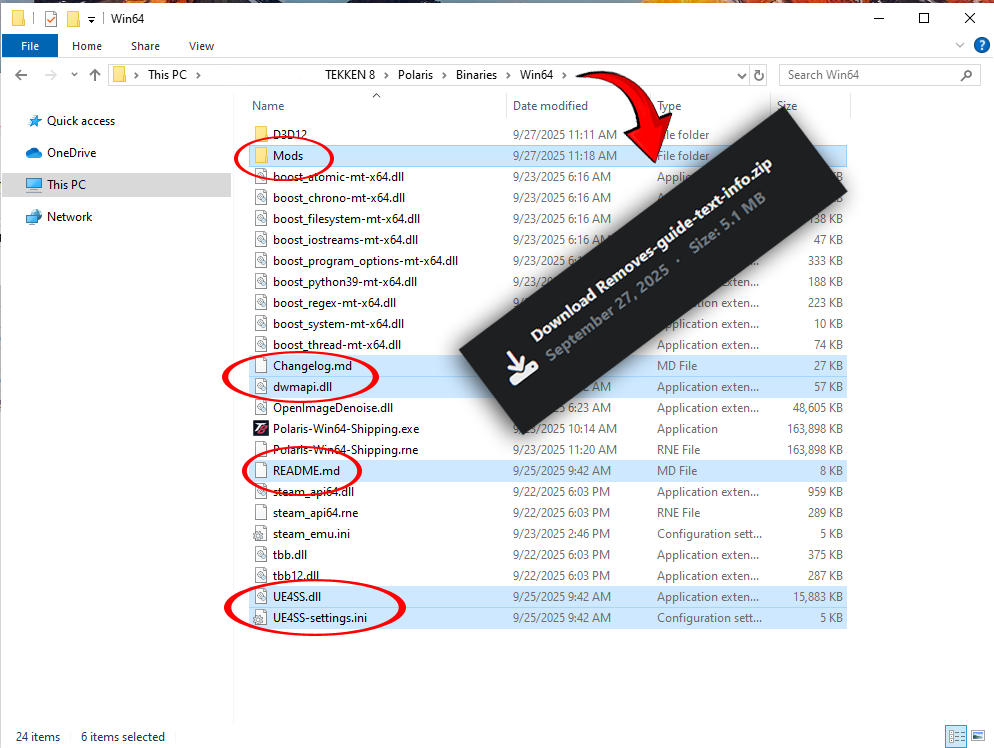 2. Launch the game.
3. Use F9 to toggle guide text on/off.
2. Launch the game.
3. Use F9 to toggle guide text on/off.
⚠️ Note:
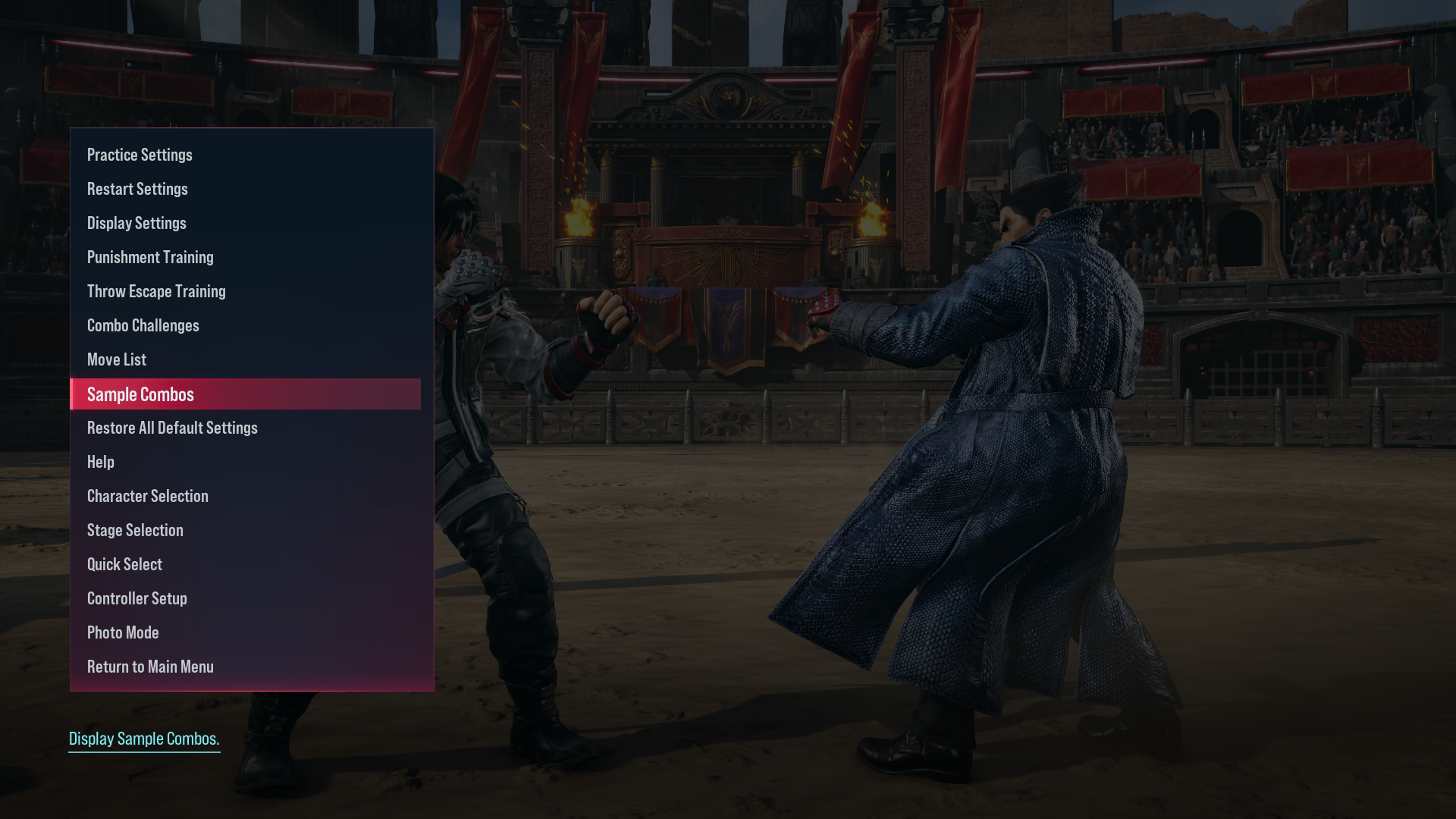
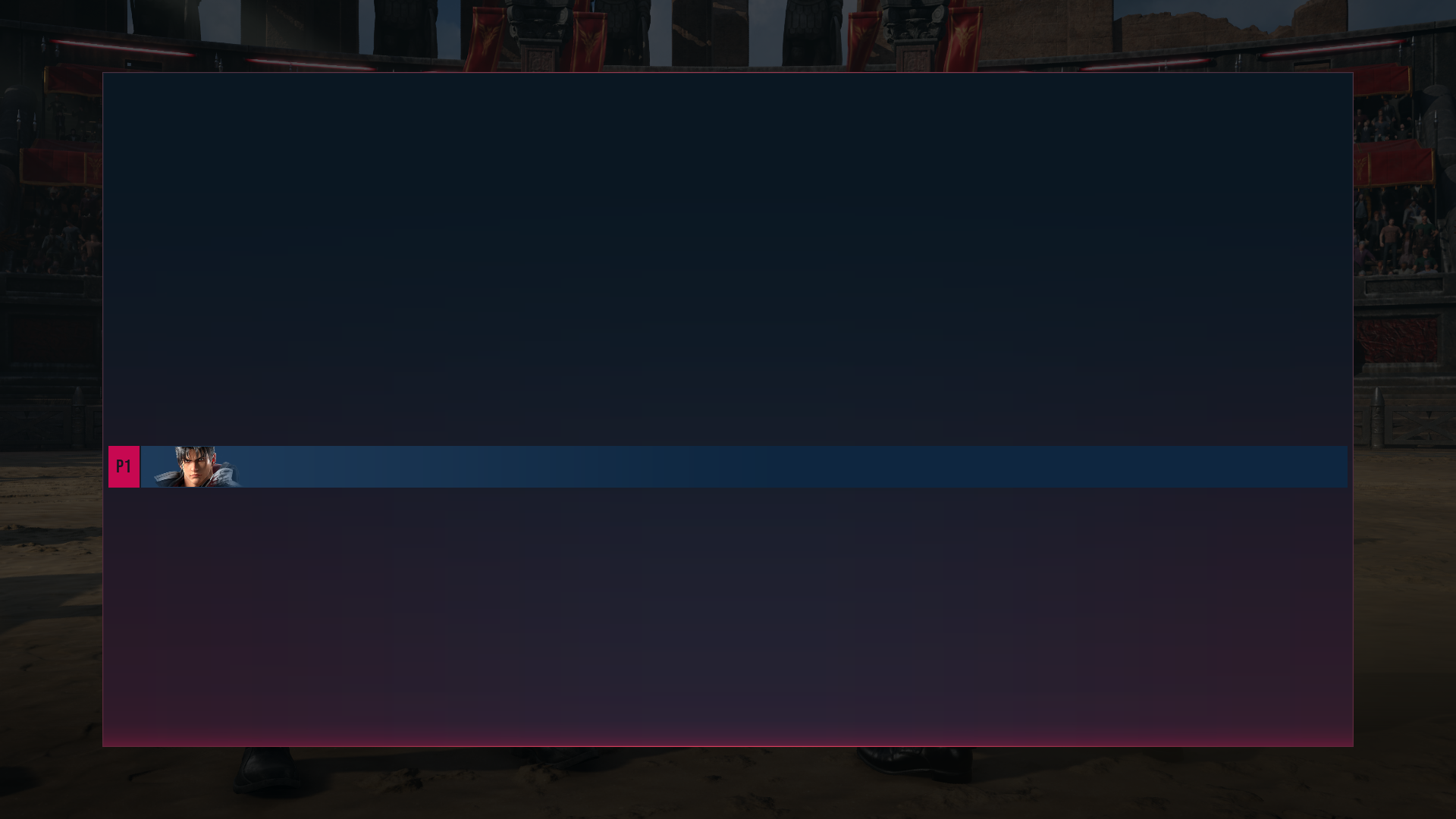
When using the (HUD-Remover) mod, there is a chance that certain elements in Practice Mode — such as the Move List and Simple Combo — may not appear.
If that happens, simply remove the mod and everything should return to normal.