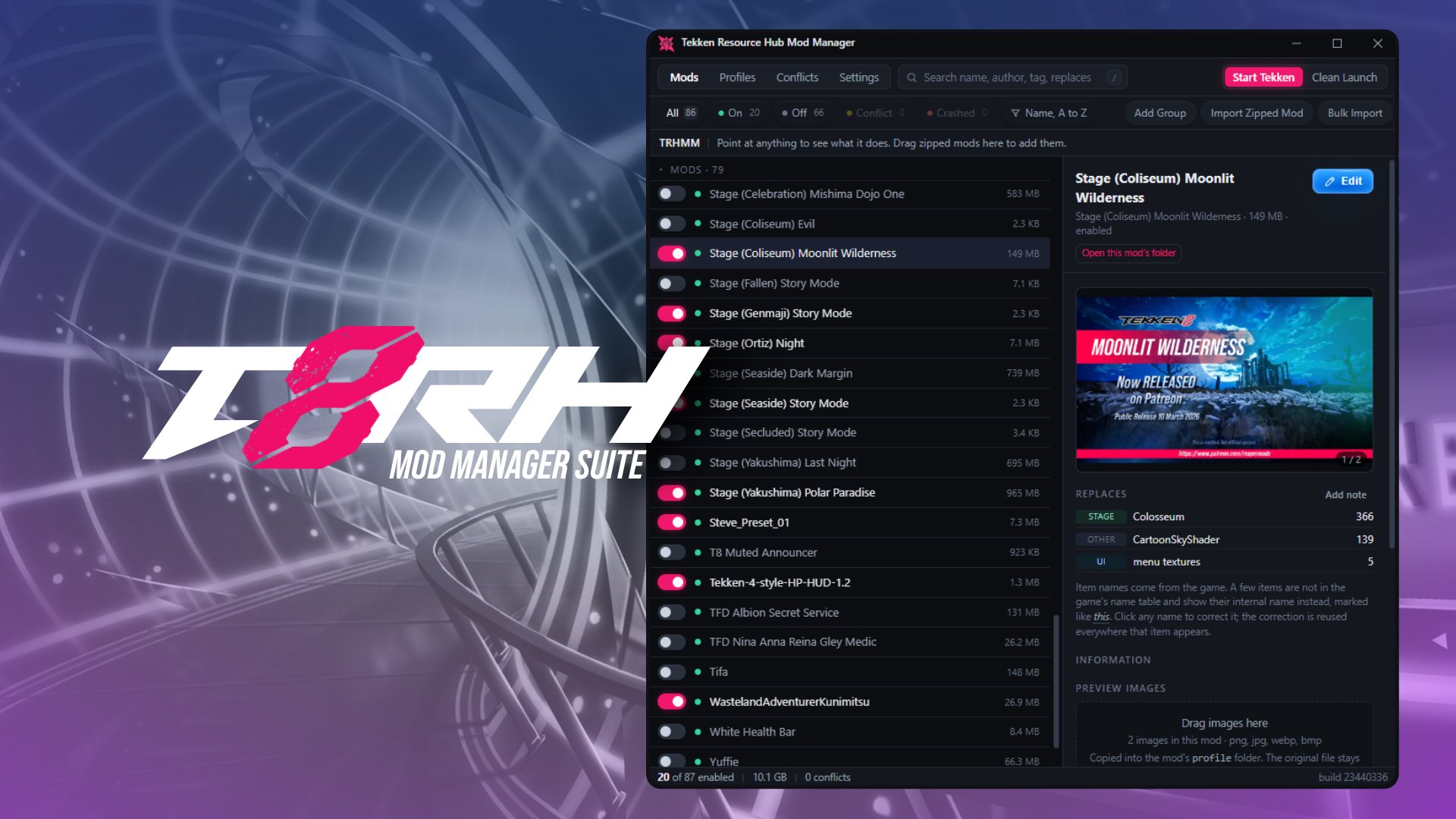
Tekken Resource Hub Mod Manager Suite
A super lightweight Windows app for installing and organizing your TEKKEN 8 mods. It also tells you which items a mod replaces, what it's likely to fight with, and which mods have contributed to crashing your game.
NEW: TRHMM v0.3.0 Update
- Subfolder organization is now optional: Any loose mods that exist in Mods or LogicMods folders are now found and organized automatically with virtual grouping
- Bulk actions on selection: enable, disable, group, assign authors, or archive mods all at once
- Drag mods onto a group, one or a whole selection at a time. The list scrolls when you reach its edge
- Undo & redo functionality, additional quality of life improvements, correction of visual bugs and unintended behaviors
Having issues with the application, or want to suggest a feature? Join our community Discord and submit a support ticket, we'll be happy to help!
https://discord.com/invite/DmPqYPtgKg
Download & Install
- Download the release and extract it.
- Run
trhmm.exe. - Windows might throw a warning, since the app isn't code signed yet. Hit More info, then Run anyway.
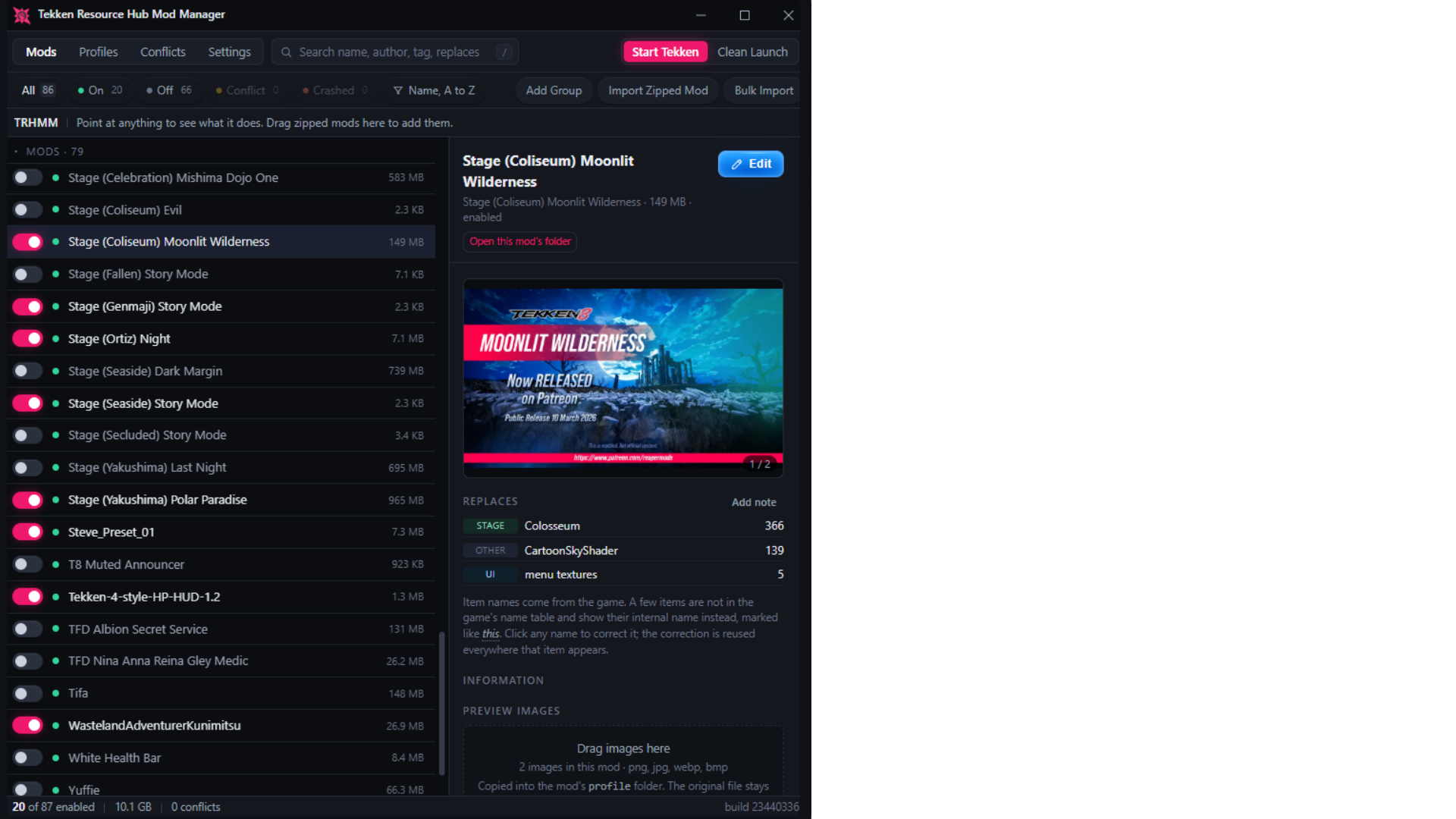
The super cool stuff! What makes this mod manager different.
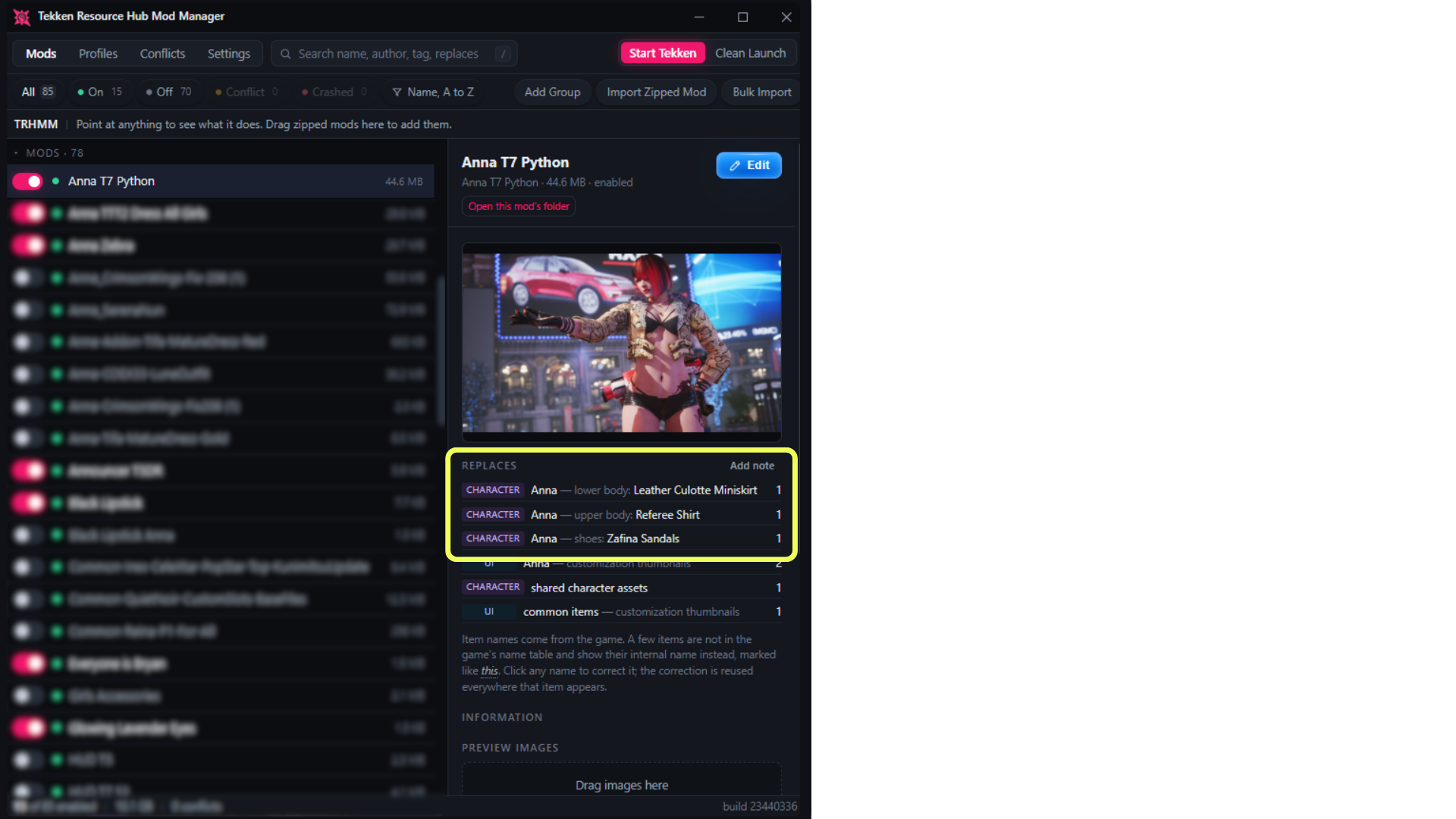
It tells you what a mod actually replaces
Most of the time all you get is a filename. TRHMM cracks open the mod's container and reads what's inside, so you see the character, the slot, and the exact items, named the way the game names them. If an outfit needs three pieces equipped, you'll see all three without having to find the mod page again.
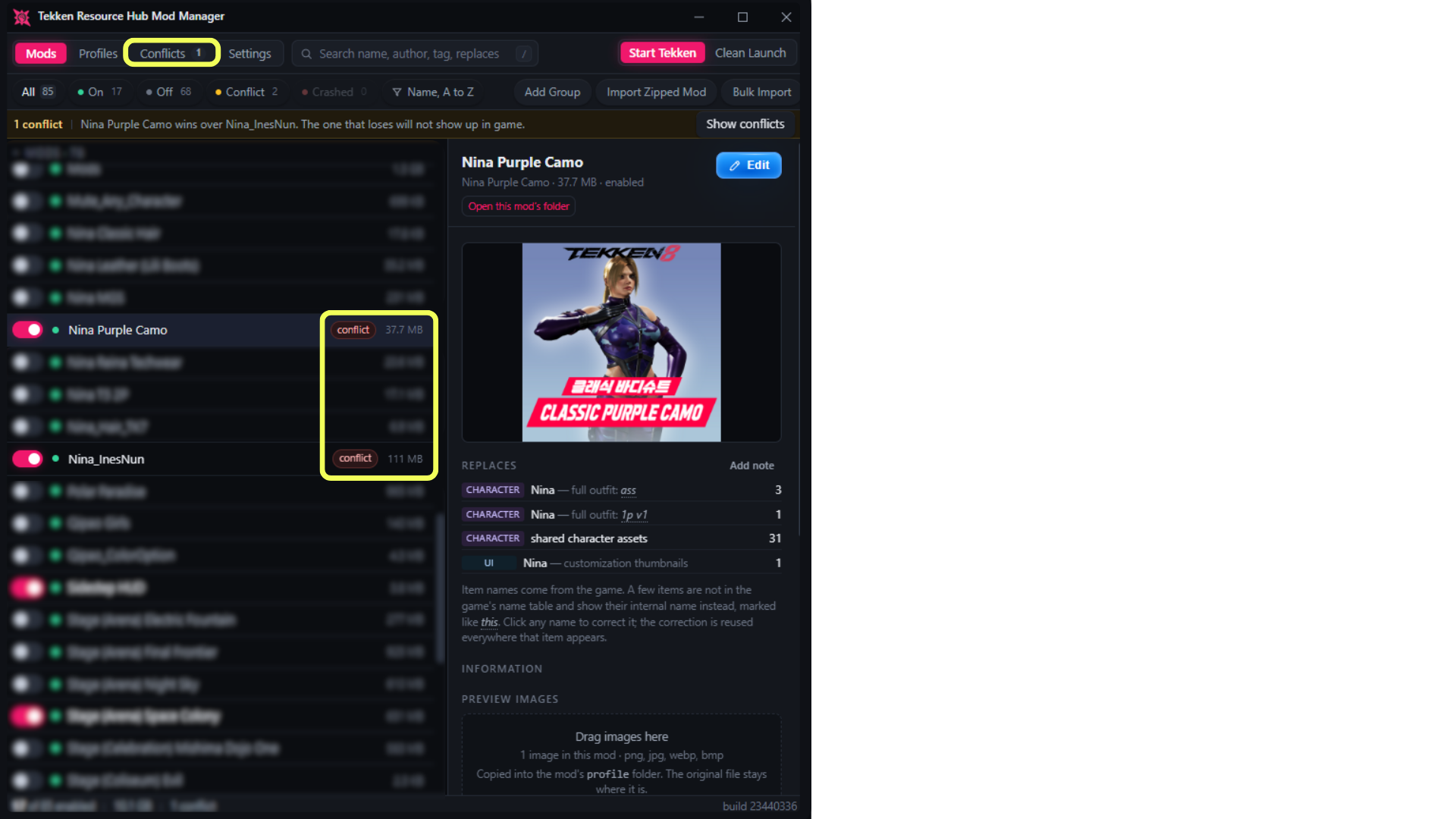
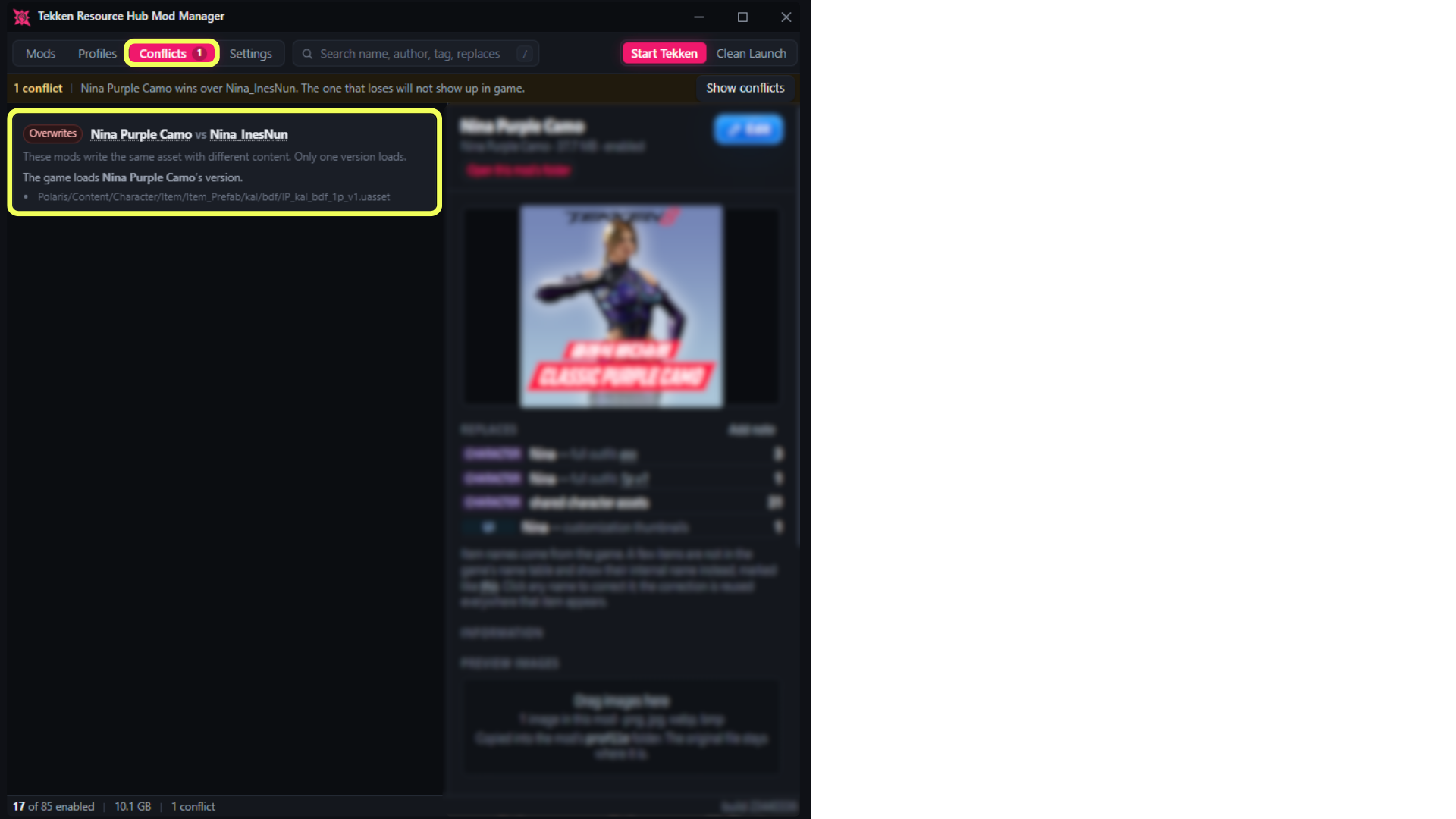
Conflict detection that looks at content, not filenames
Two mods clash when they overwrite the same asset. That happens constantly between mods with completely different filenames. TRHMM compares the actual asset paths, content hashes, and container IDs, then tells you which mod wins and which one you're never going to see in game.
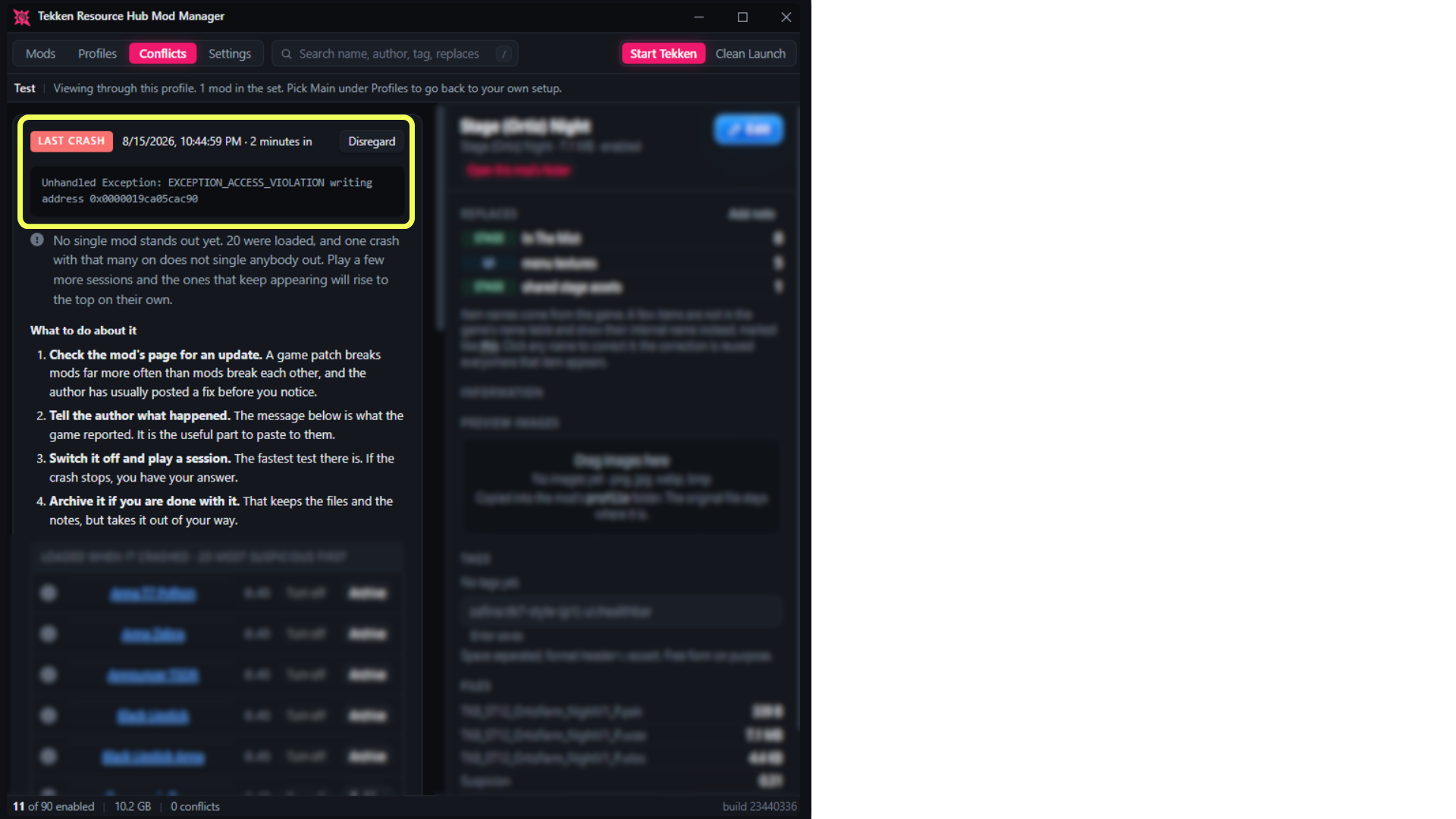
It indicates which mods are crashing the game
Before every launch it writes down what was loaded. After the game closes it reads the crash report the engine itself spits out. If your game keeps crashing, the mod that keeps showing up will climb the suspect list (hehe). Mods that behave get cleared again as you play, so you can tell the difference.
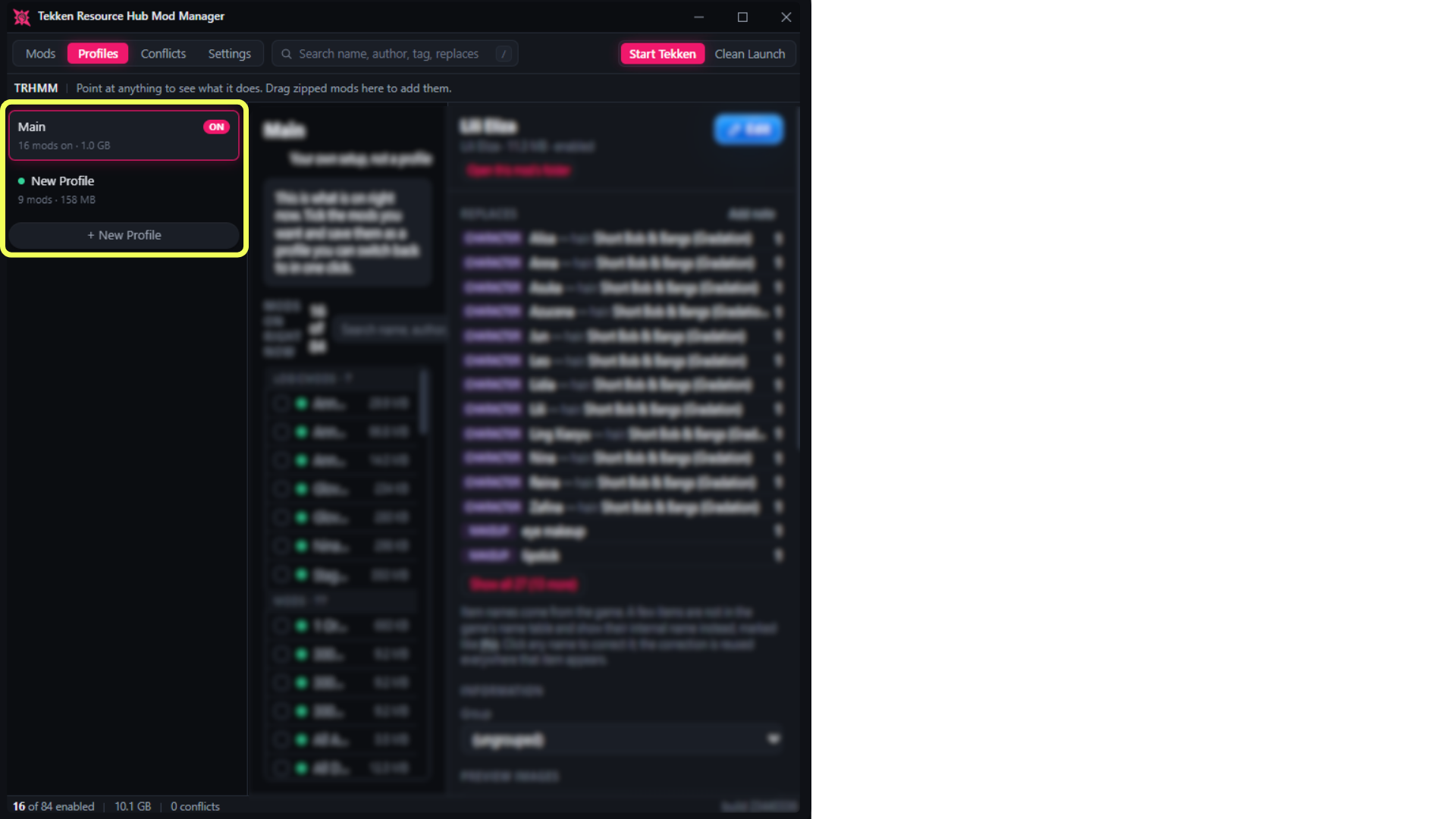
Profiles that allow you to set different mod loadouts
Save any set of mods, swap between them in one click. Before you commit it shows you exactly what's about to turn on and off, warns you if two mods inside the set fight each other, and tracks which sets have crashed. Whatever you initially setup stays as Main, so you can always return back to your original mod toggles.
Clean Launch: Vanilla TEKKEN 8, and then back to normal
One button shuts all toggled mods off. Playing in tournament? Clean Launch drops you back to factory settings without touching a single mod by hand. The moment you close the game your whole setup comes back on its own.
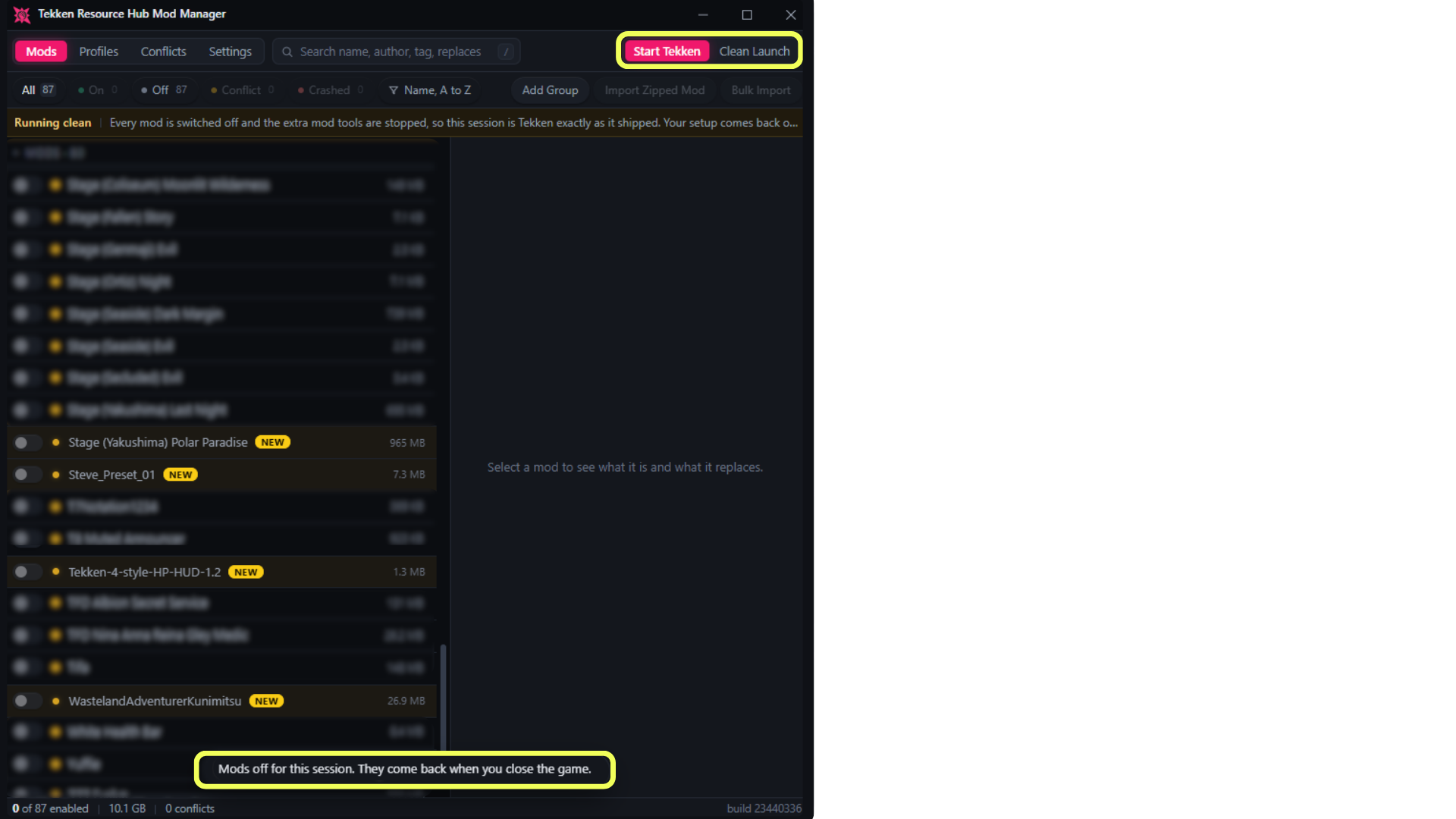
Toggle mods while the game is open
TEKKEN keeps its mod files locked the entire time it's running, so normally you're stuck until you quit. TRHMM queues the change instead and applies it the second the game closes.
Features Snapshot
- One-click on and off, with the mod moved to your library immediately
- Import from ZIP, 7Z, or RAR, by button or by dragging onto the window
- Bulk import: drop as many archives as you like at once
- Reads your existing install, including the older manager's files and metadata
- Supports
~mods,mods,Mods, andLogicMods, and keeps script mods filed correctly even while switched off - Conflict detection by asset path, content hash, and container ID, with a winner
- Dismiss a conflict you meant to have, and it stays counted rather than forgotten
- Profiles, with a preview of what switching will do and a per-profile crash record
- Crash tracking that points at the mod most likely responsible
- Clean Launch for unmodded sessions
- Editable name, author, version, category, source link, notes, and tags
- Groups, preview images, an archive for old mods, instant search
- Sort by name, size, or date added, remembered between launches
- Right-click a mod to rename it, move it to another folder, copy its folder name, or open where it lives
- Settings toggles for the crash marks, the opening screen, crash watching, and whether new mods arrive switched off
- First scan of a large library is under a minute. Every scan after that is basically instant
Getting started
- Connect to your game. It finds a Steam install on its own. If it can't, point it at your TEKKEN 8 folder when it asks.
- Let the first scan finish. Every mod gets read once so the app can work out what's already present. The initial scan might take some time, but after that a normal scan is super quick!
- Add mods. Drag zips onto the window, or use Bulk Import. Everything lands switched off and highlighted so you can look it over first.
- Turn things on. Use the switch on each row. If two mods you want are fighting, the Conflicts tab will say so.
UE4SS support is experimental
UE4SS is optional and not recommended yet. Everything above works without it.
Install it and you get two experimental extras: it reports which stage you were on when the game died, and it catches a freeze that leaves no crash report behind. It's also what runs script mods. It can cause problems of its own, including the exact crashes it was supposed to help you find, so there's a switch to detach it without uninstalling anything.
FAQ
Will this mod manager cause any issues with TKData Mod Loader or Ultimate ASI Loader?
No. TRHMM is a mod manager, not a loader. It moves mod containers between your game's mod folders and a library folder inside your game directory, and reads what is inside them. It never hooks the game, injects anything, or loads mods itself, so it is not competing with a loader for the same job.
UMIN mods and custom slots often share base files on purpose, and TRHMM compares what is actually inside each container, so it will notice the overlap and report it. That is the detector doing its job rather than a problem with your setup. If the overlap is intended, right-click the conflict and choose Disregard, or use the Disregard button on the card. It stays hidden but is still counted at the bottom of the Conflicts tab, and "Show them again" brings every dismissed conflict back whenever you want to review them.
Will this break the mods I already have?
No. The first scan reads your install and adopts it as it stands. Turning mods on and off moves files between your mod folder and a library folder inside your game directory. Nothing is deleted, and every move can be undone.
Do I need to re-download anything?
No. Hand-installed mods and mods from the previous manager get imported right where they are.
Where does it keep my mods?
Enabled mods stay in your game's mod folder, each in its own subfolder. Switch one off and it moves to a library folder inside your game directory. That's why toggling is instant instead of copying gigabytes around.
Can I still install mods by hand?
Yep. Drop a folder in yourself and hit Refresh. Manual folders and imported ones sit side by side.
Does it work while TEKKEN is running?
Yes. Changes queue up and apply when you close the game.
Can it tell me exactly which mod crashed my game?
It builds a case rather than handing you a verdict. If you want a straight answer on whether mods are the problem at all, Clean Launch settles it in one session.
Is my data going anywhere?
No account, no server. It all stays in a local database in your game folder.
Do I need UE4SS?
No. See above.
The app will not open.
Check that Windows didn't quarantine it after the SmartScreen warning. There's no runtime to install.
Versions
0.3.0 August 30th, 2026 Multi-select with bulk actions, drag and drop into groups, undo and redo, loose mod files now detected, plus a round of visual and behavior fixes.
0.1.0 August 17th, 2026 First public release.
Disclaimer
This is a free community tool and is not affiliated with Bandai Namco. Use it at your own risk.
Built for tekkenresourcehub.com