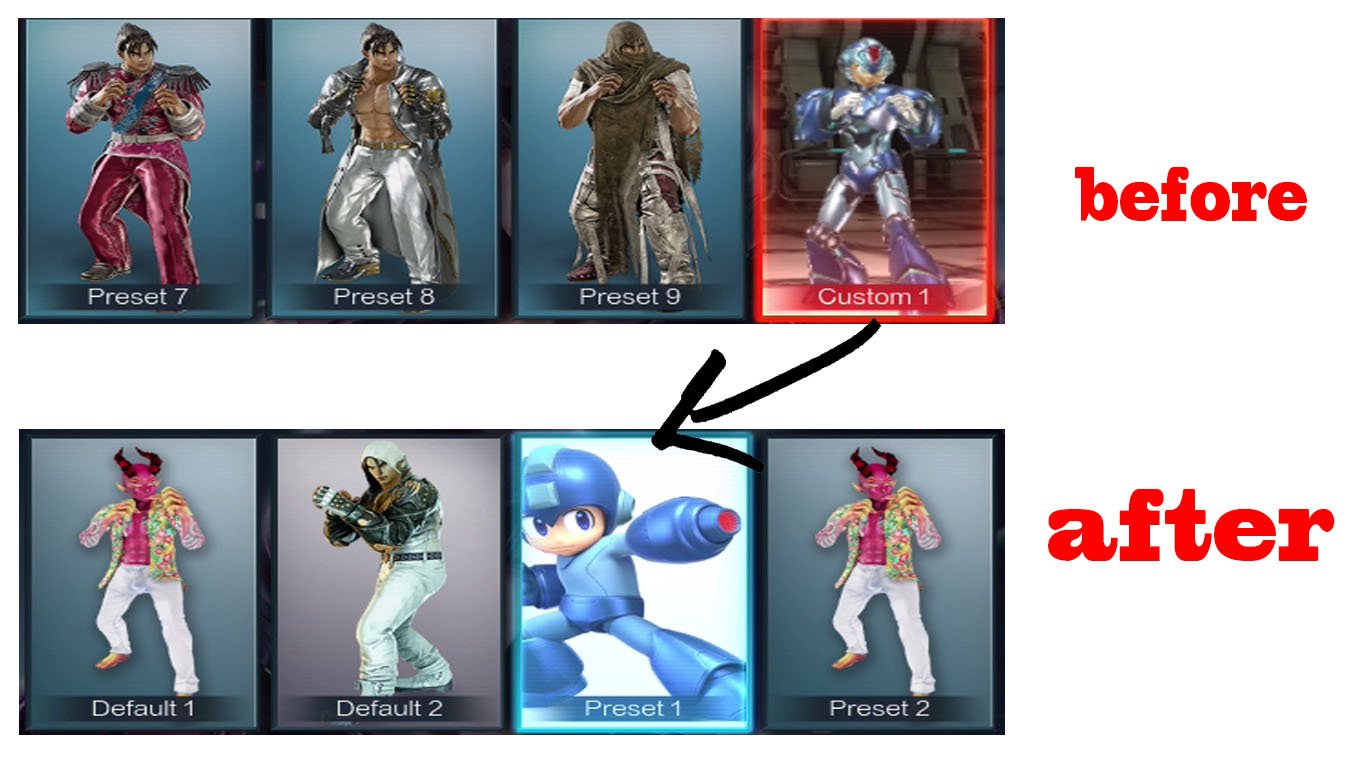
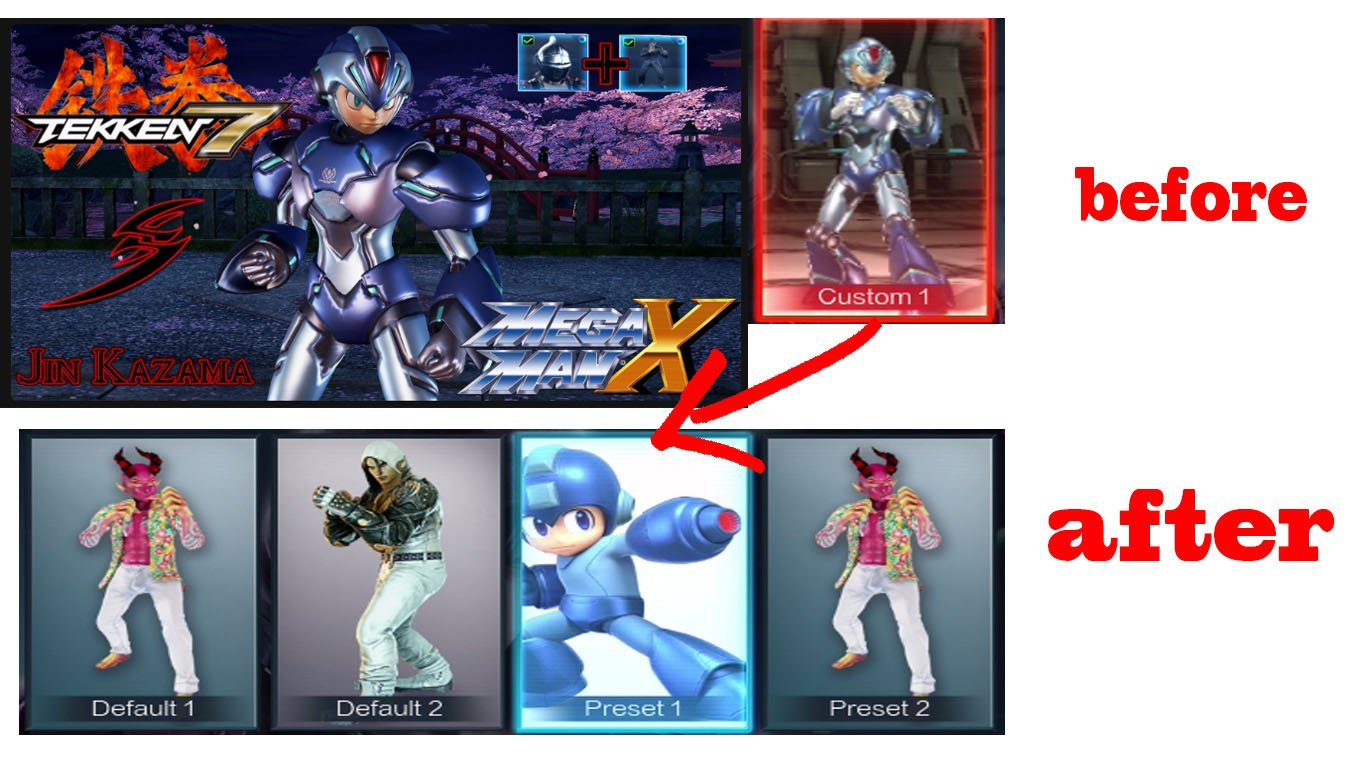
Tekken 7 Mod Slot Converter v2.8
by psCobraSS
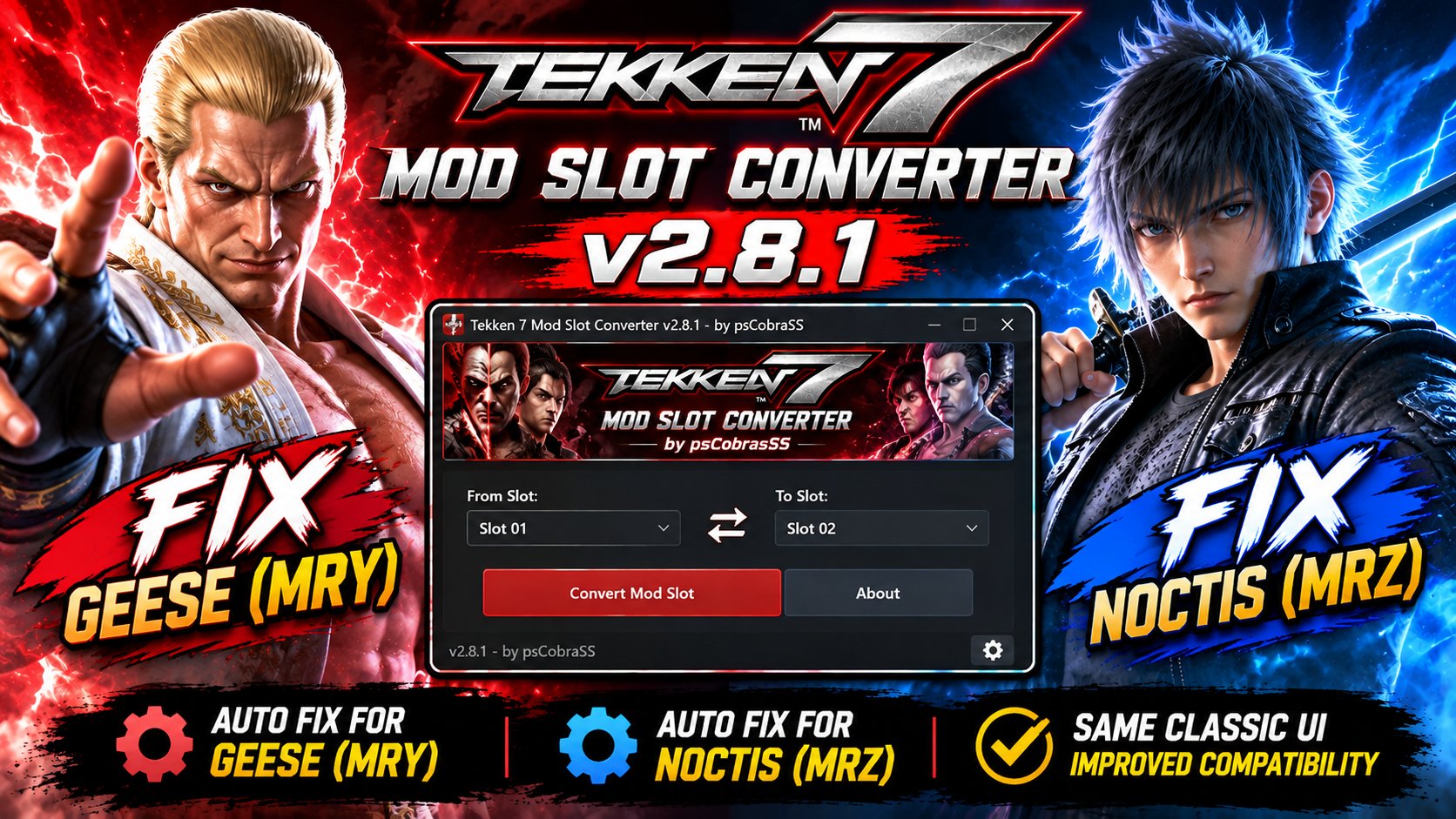
v2.8.1 Update
Added automatic fixes for Geese (MRY) and Noctis (MRZ) when changing mod slots.
The original v2.8 interface and icon are unchanged, with improved compatibility for these DLC characters.
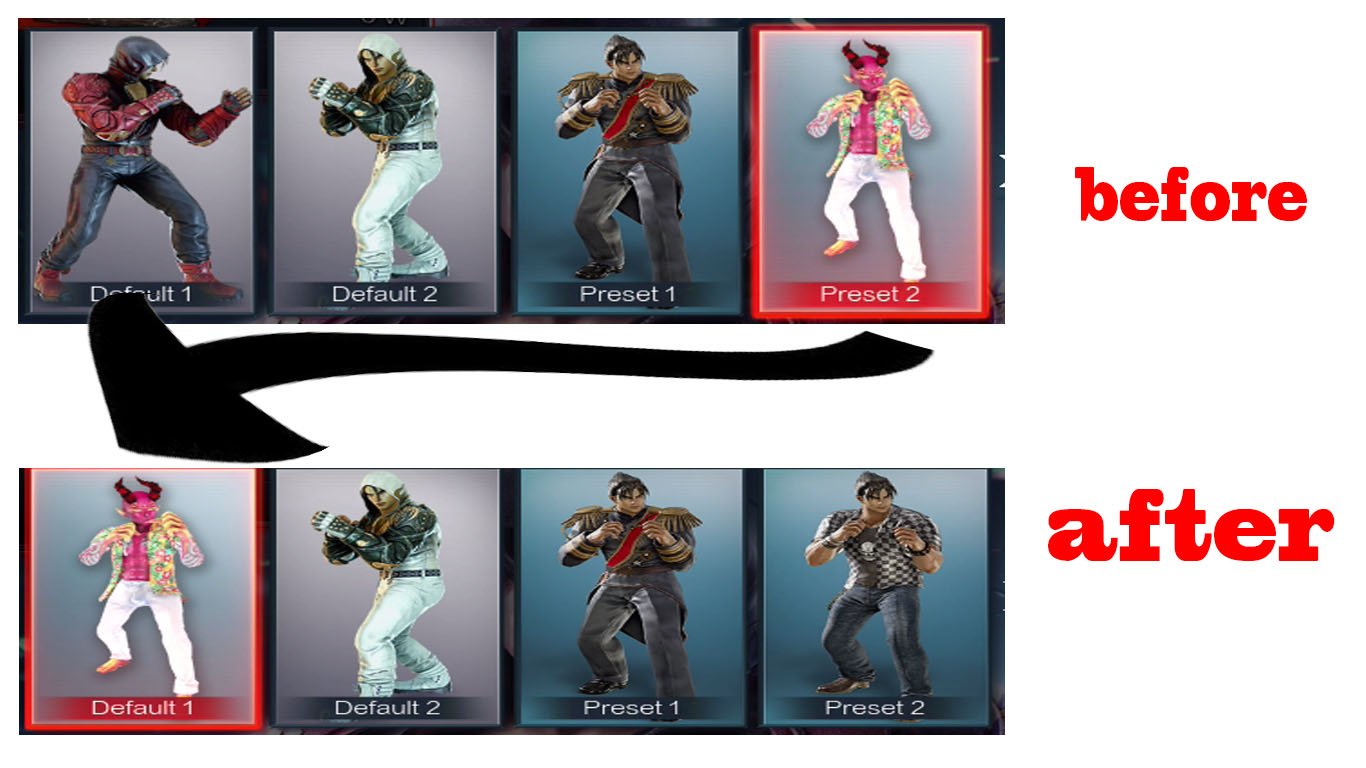
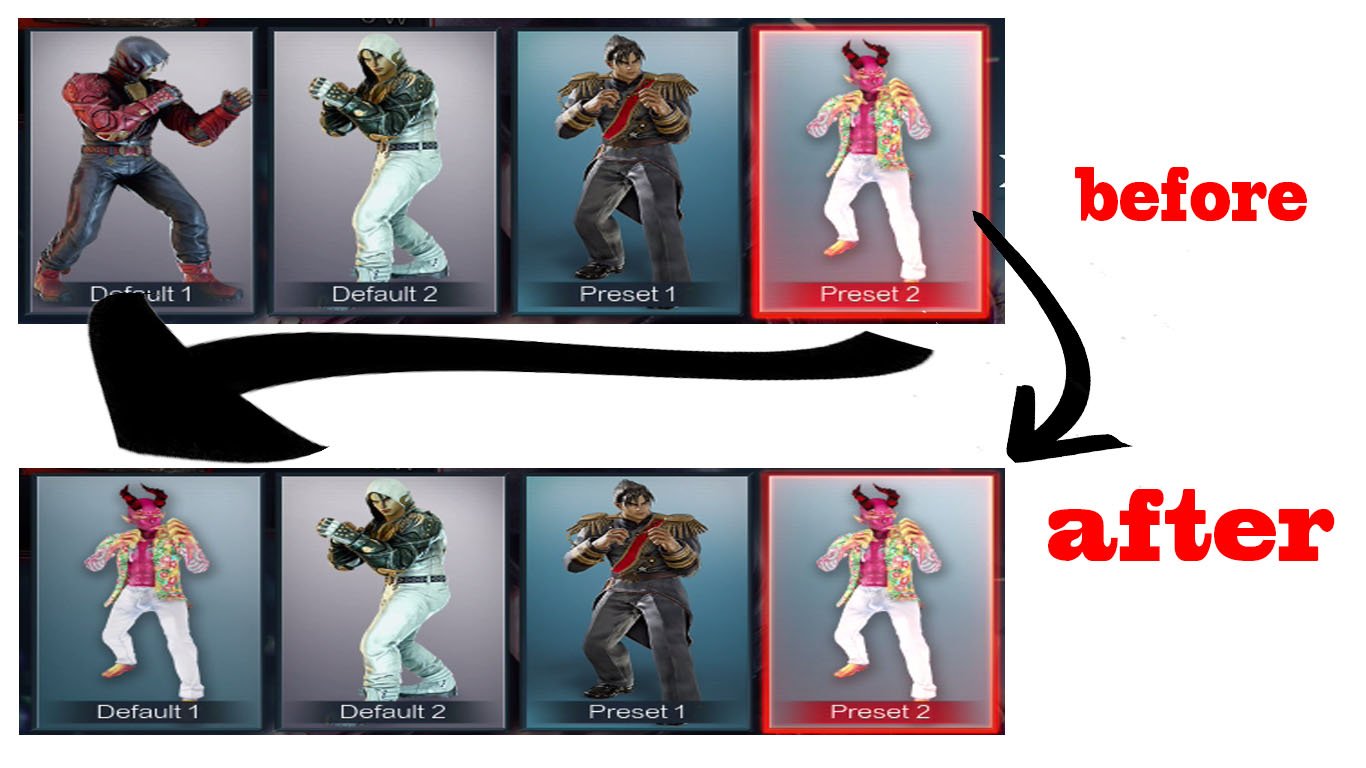
Tekken 7 Mod Slot Converter is a tool designed to organize and move Tekken 7 PC character mods between different Default and Preset slots for the same character, without manually editing Set, CCI, CharacterItem, or UI files.
The program first analyzes the selected PAK mod file, detects which character the mod was originally made for, identifies the mod structure, and then shows the real Default and Preset slots available for that character.
Main Features
- Select a Tekken 7 character first from the built-in character list.
- Displays the character’s original Default 1 portrait.
- Automatically analyzes the selected PAK mod.
- Detects whether the mod is:
- Set-based
- Customization / Mesh-only
- Detects the original character of the mod.
- Prevents unsafe conversion if the selected character does not match the character the mod was created for.
- Detects and analyzes:
Set,CCI,CharacterItem,Mesh,UI Slot, andExtraItemSetfiles. - Moves Set-based mods to another Default or Preset slot while preserving the mod’s original items.
- Supports Customization / Mesh-only mods that do not contain their own Set file.
- Can automatically create the required Set structure for supported customization mods.
- Supports common customization categories including:
FULL_BODYFULL_HEADFACEFACE_HAIRHAIRHEADGLASSESUPPERLOWERUPPER_ACCLOWER_ACCHAIR_ACC - Includes support for many ExtraItemSet / EXTRA dependencies.
- Uses an internal database built from original Tekken 7 game files, including thousands of:
SetsCCI filesCharacterItem filesUI Slot files - Displays only real Default and Preset slots that exist for the selected character.
- For Set-based mods, both main move options are enabled and checked by default:
- Remove old slot after moving
- Move the selection image automatically when available
- These options can be manually unchecked if desired.
- For Customization / Mesh-only mods, those two options are automatically disabled because they are not needed.
- If the mod already contains a
CS_CH_SLOTselection image, the program can move it to the new slot. - If the mod does not contain a UI image, you can choose your own custom portrait.
- Supported custom image formats:
PNGJPEGJPGDDS - The program automatically crops, resizes, and converts the selected image to the correct format for the Tekken 7 character selection slot.
- Native DDS support includes common formats such as:
DXT1 / BC1DXT5 / BC3 - Preserves the required Unreal Engine file structure and internal PAK paths.
- Includes protection against adding unrelated accessories that are not part of the original mod.
- For example, a
FULL_BODY + FULL_HEADcustomization mod will not automatically inherit unwanted wings, weapons, or accessories from another Set template. - When a mod contains only
FULL_BODY + FULL_HEAD, the program can build a clean two-item Set containing only those required pieces. - If the program detects an unsupported or unsafe situation, it can block the conversion instead of guessing and generating a broken mod.
- Includes an Analysis section showing detailed information about the selected mod before conversion.
- Includes a Log window showing the conversion and build process.
- Supports both English and Arabic interface languages.
- Includes a dark fighting-game-inspired interface and a custom application icon.
- Distributed as a standalone EXE.
- End users do not need Python installed.
- Tested successfully on Windows 7.
- Designed for: Windows 7 / 8 / 8.1 / 10 / 11
- Supports both 32-bit and 64-bit Windows systems when using the compatible build.
- The program does not perform cross-character skeletal retargeting.
For example, it does not convert a Kazuya mod into a Jin mod.
Its purpose is to move a mod made for a specific character into another Default or Preset slot of the same character, which provides much safer and more reliable results.
Example
If you have a Jin mod installed in Preset 1 and you want to move it to Default 2, simply:
Select Jin, choose the PAK mod, select Default 2, and press Build and Save.
The program analyzes the mod, prepares the correct Set structure, handles the required references and optional UI image, and creates a new PAK ready to use.
This tool is especially useful for players who use many Tekken 7 mods and want an easier way to organize them between Default and Preset slots without manually editing .uasset files every time.
Program: Tekken 7 Mod Slot Converter
Version: v2.8
Created by: psCobraSS