
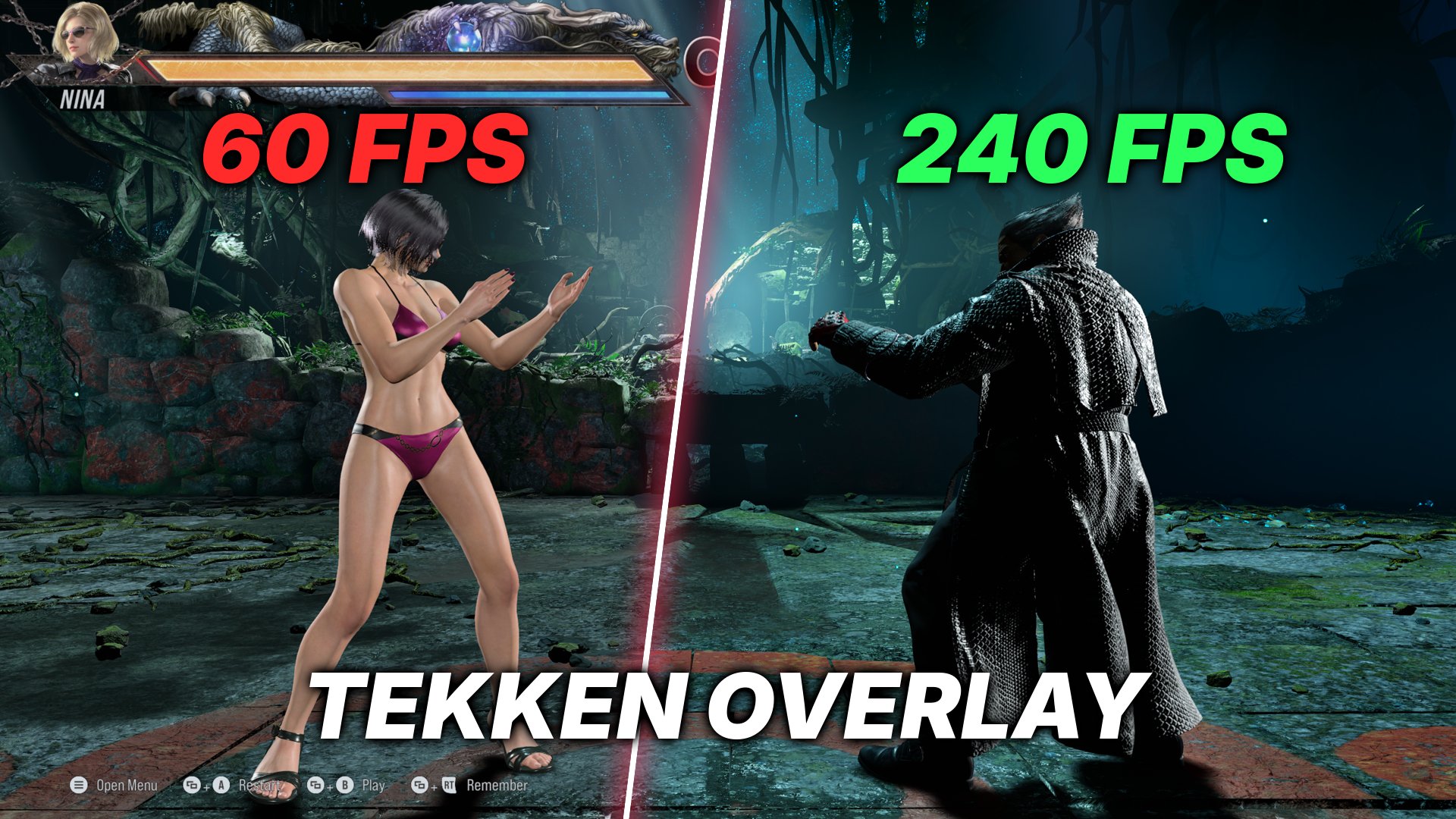
Features
- FPS unlocker with gameplay kept at 60 Hz
- Interpolation for the camera, fighters and animations
- Global illumination, reflections, anti-aliasing, upscaling and lighting options
- FOV and aspect ratio options
- Extremely precise framerate limiter for smooth gameplay
- Engine show flags and Lit/Unlit character lighting mode
- Performance tweaks, custom console commands and the ~ console
Install
1) Download and extract the zip.
2) Copy dwmapi.dll and the TekkenOverlay folder into TEKKEN 8/Polaris/Binaries/Win64/.
 TEKKEN 8/Polaris/Binaries/Win64/
   ├── dwmapi.dll
   └── TekkenOverlay/
     ├── Tekken8Overlay.dll
     └── assets/
3) Linux / Steam Deck only: add this to the Steam launch options: WINEDLLOVERRIDES="dwmapi=n,b" %command%
4) Start the game and press F1, and choose your preferred settings.
To uninstall, delete dwmapi.dll and the TekkenOverlay folder.
Tested on Windows and on Linux with Proton.
Credits
Original TekkenOverlay by KulaGGin. Some interpolation ideas come from Tekken8FpsUnlocker. This is an unofficial project, not affiliated with KulaGGin or Bandai Namco. I have used it online with no issues for a while, however use it at your own risk online.